> ## Documentation Index
> Fetch the complete documentation index at: https://archie.com/docs/llms.txt
> Use this file to discover all available pages before exploring further.
# Adding context
> Provide reference materials and clarifying answers that inform your blueprint.
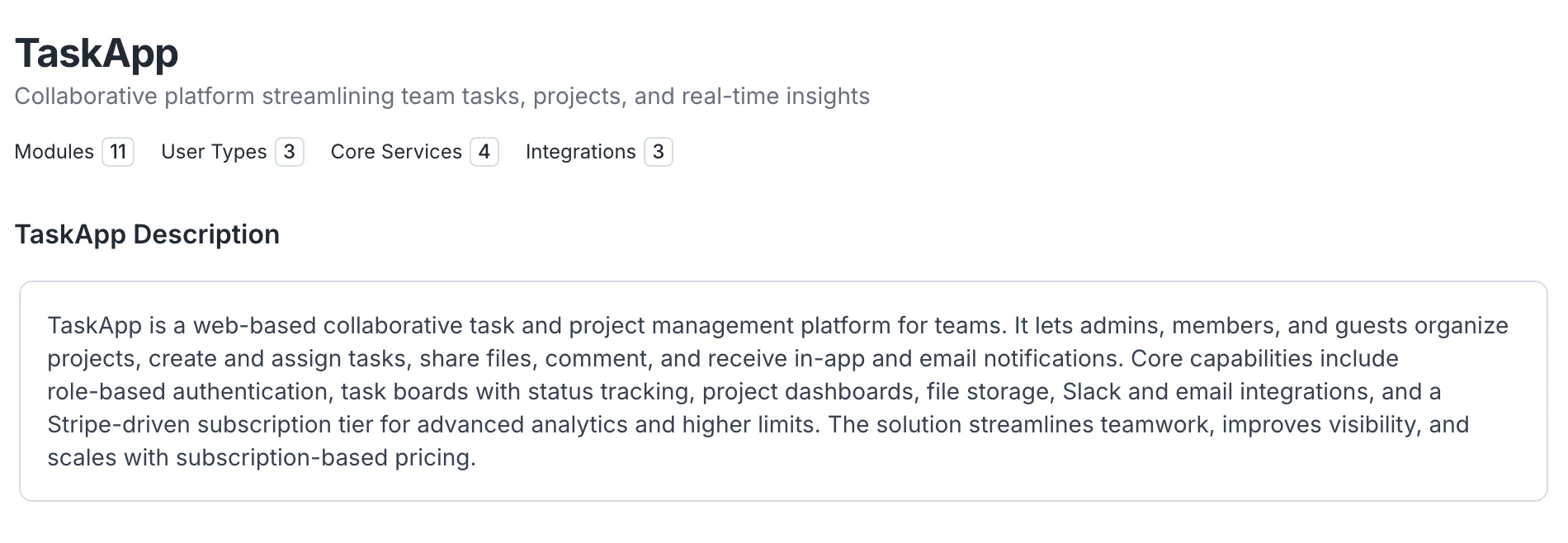
The Context tab is where Archie gathers the information it needs to refine your blueprint. It contains your **initial prompt** and any **clarifying questions** Archie asked.
## The initial prompt
Your initial prompt is the description you typed when you created the project. You can edit it any time. Click **Edit** on the initial prompt card, change the text, save. {/* VERIFY: confirm prompt editing applies retroactively or only to next generation */}
 ## Clarifying questions
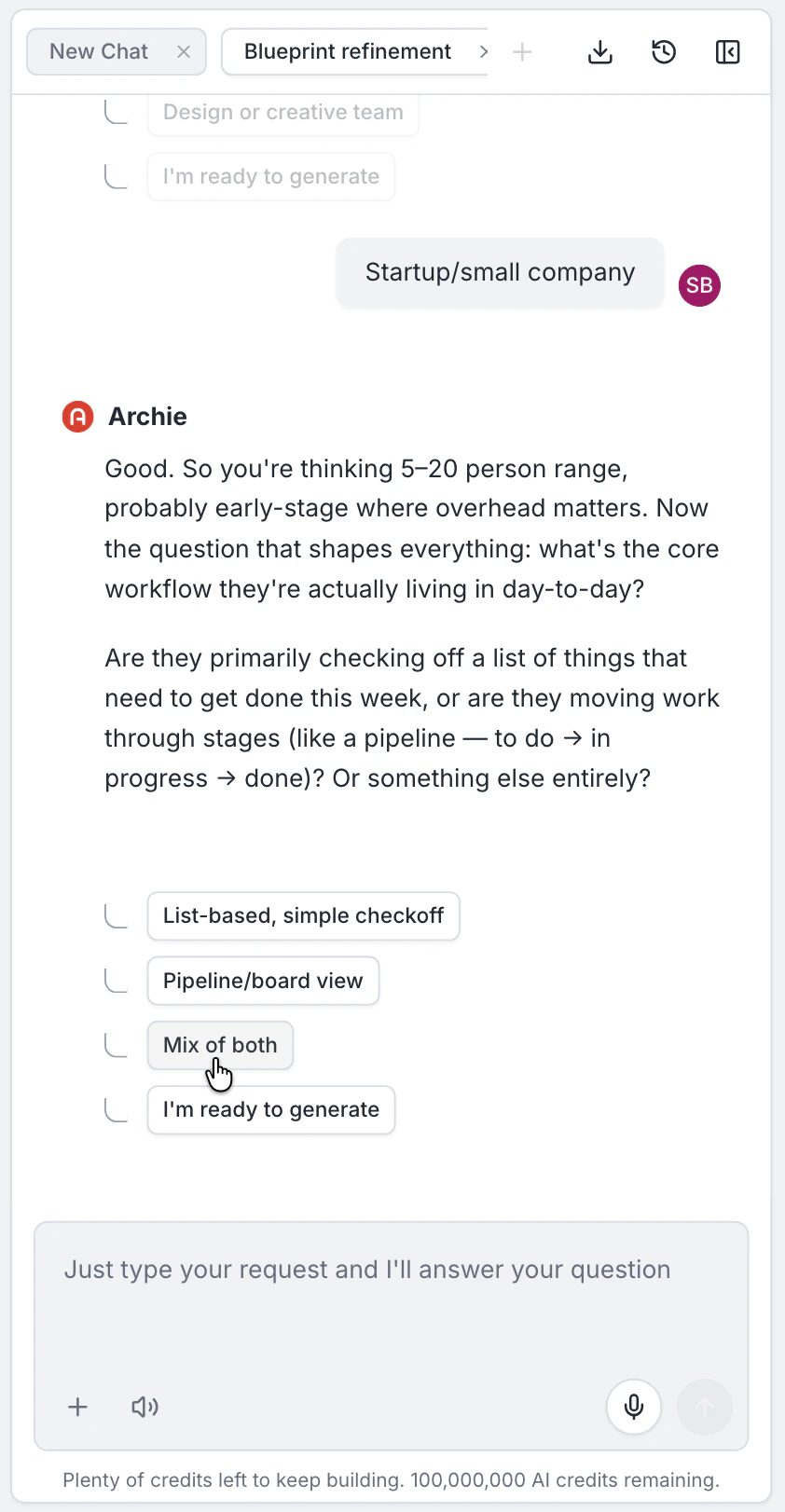
After you submit your idea, Archie may ask one or two clarifying questions. Each question has multiple-choice options and a free-text field. You can:
* Pick an option (A, B, C, and so on)
* Type a free-text answer
* Skip the question
Skipping is fine — Archie will use defaults. Answering gives you tighter control.
The questions cover things Archie cannot infer reliably from your prompt — for example, who uses the app, what role plays admin, or which side of a marketplace pays.
## Clarifying questions
After you submit your idea, Archie may ask one or two clarifying questions. Each question has multiple-choice options and a free-text field. You can:
* Pick an option (A, B, C, and so on)
* Type a free-text answer
* Skip the question
Skipping is fine — Archie will use defaults. Answering gives you tighter control.
The questions cover things Archie cannot infer reliably from your prompt — for example, who uses the app, what role plays admin, or which side of a marketplace pays.
 ## When questions appear
Questions stream in as Archie analyzes your prompt. You will see "Agent is working…" while a question is being prepared. Once a question is ready, you can answer or skip immediately.
## Editing context after the blueprint exists
You can revisit the Context tab at any time. Editing the initial prompt or answering more questions will inform the next regeneration or [iteration](/features/blueprint/iterating). Existing blueprint content does not change automatically — use the blueprint chat to apply the new context.
## FAQ
Not automatically. After updating context, ask the blueprint chat to apply the change, or regenerate the relevant section.
Usually one or two. Archie only asks when it cannot infer something it needs.
## When questions appear
Questions stream in as Archie analyzes your prompt. You will see "Agent is working…" while a question is being prepared. Once a question is ready, you can answer or skip immediately.
## Editing context after the blueprint exists
You can revisit the Context tab at any time. Editing the initial prompt or answering more questions will inform the next regeneration or [iteration](/features/blueprint/iterating). Existing blueprint content does not change automatically — use the blueprint chat to apply the new context.
## FAQ
Not automatically. After updating context, ask the blueprint chat to apply the change, or regenerate the relevant section.
Usually one or two. Archie only asks when it cannot infer something it needs.