

What’s new
Backend
Custom Functions
Write your own backend logic with Custom Functions. Use Node.js, Python, Go, Java, or .NET. Start from a template, or import your git repo and deploy on every push. Custom Functions include a built-in code editor, live deployments with history, and redeploy of an earlier version. Environment variables are encrypted. Expose functions through Custom APIs, set permissions per role for each operation, schedule them with Scheduled Tasks, and read their output in Logs. Custom Functions are available on paid plans. Learn moreArchie AI
Archie AI is a new Core Service. It lets the apps you build call chat and embedding models through your project’s API. Turn it on per environment in Backend → Core Services → Archie AI.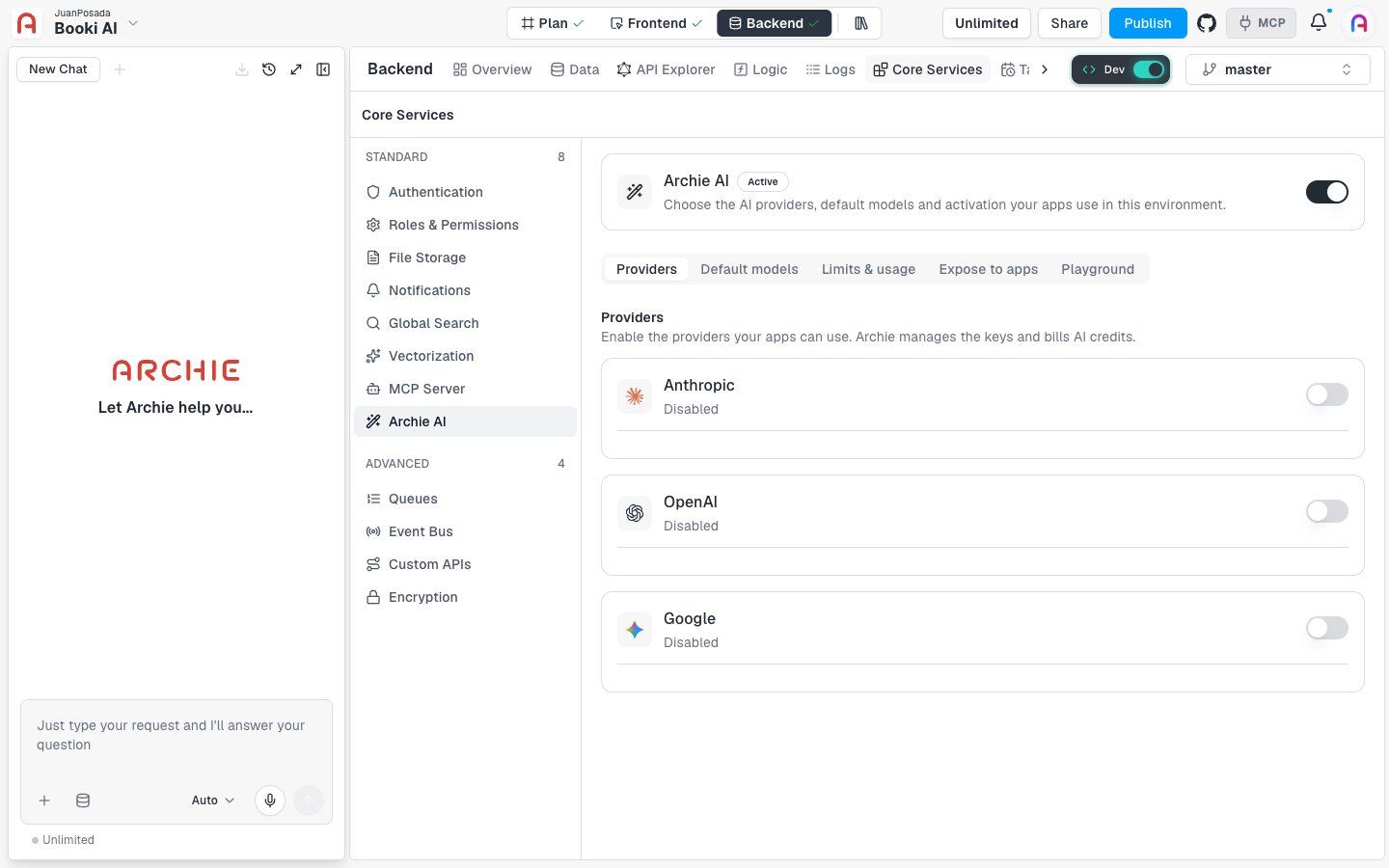
aiChat, aiEmbed, and aiModels. Try a prompt in the Playground before you build against it.
Learn more
Global Search
Global Search is a new Core Service. It makes your app’s data searchable. Turn it on per environment in Backend → Core Services → Global Search.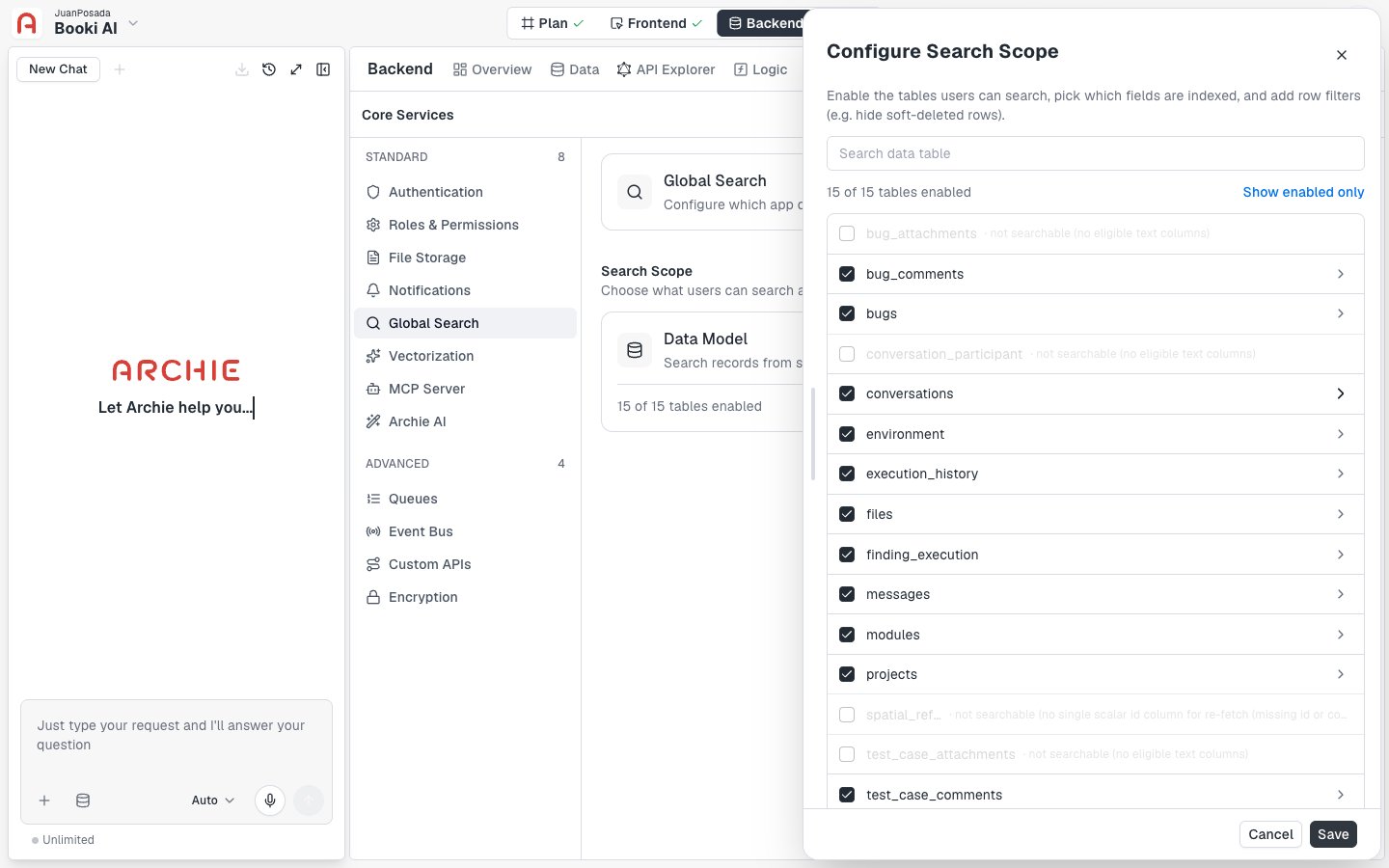
search query in the GraphQL API.
Learn more
Follow Archie on LinkedIn or join the Discord community for more updates.