

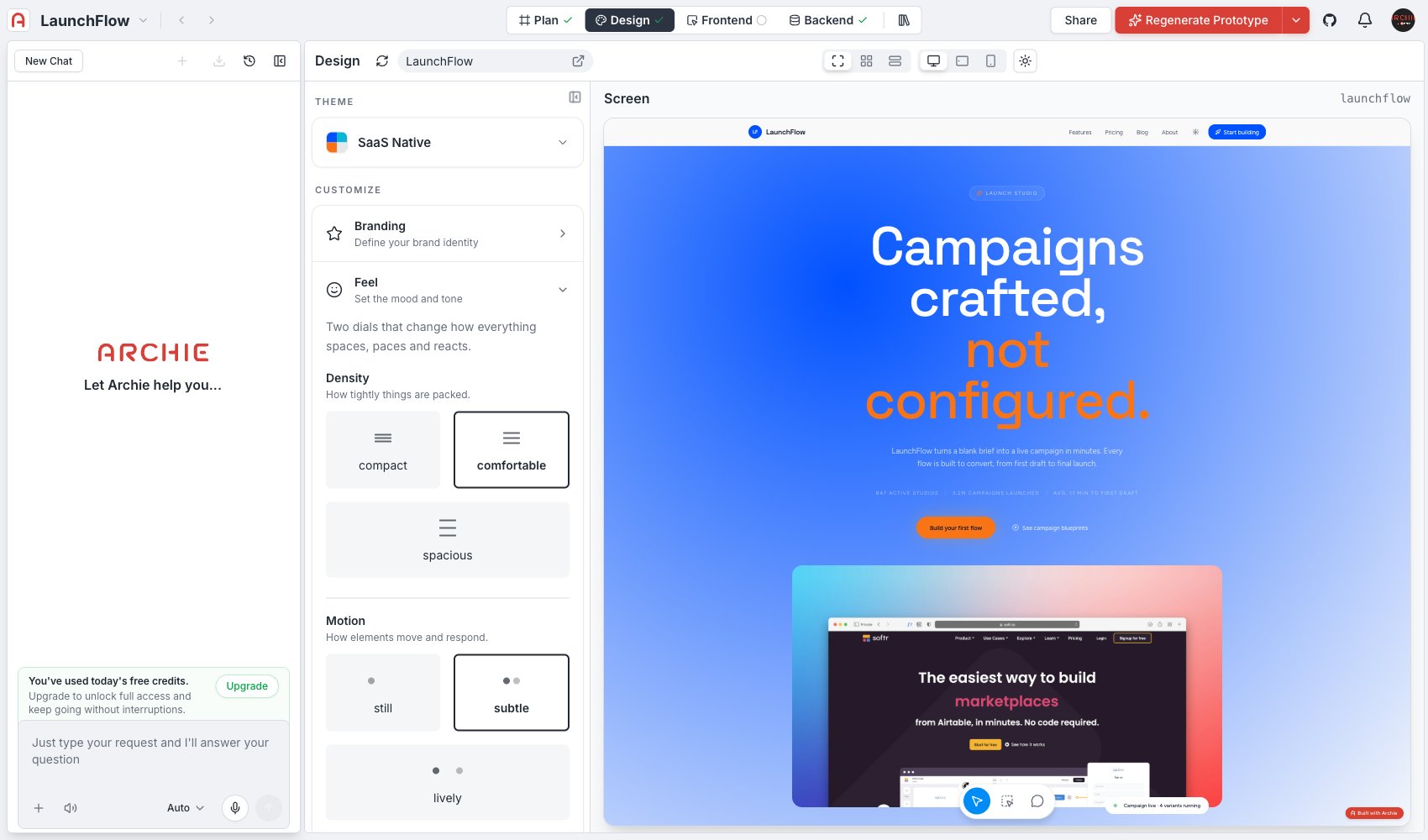
Density
How tightly things are packed.- Compact — the most information per screen, minimal padding. Good for dashboards and data-heavy admin tools.
- Comfortable — a middle ground between information density and breathing room.
- Spacious — generous padding, fewer elements per screen. Good for marketing pages and consumer-facing apps where the reader’s attention matters more than density.
Motion
How elements move and respond.- Still — minimal to no animation. Changes appear instantly.
- Subtle — light transitions on interaction (hover, open, close) without calling attention to themselves.
- Lively — more pronounced motion, used to make an app feel energetic and responsive.
Advanced editing
Click Edit spacing scale directly to open the underlying spacing values instead of using the Density preset. Use this when you need a specific value the presets do not cover.FAQ
Does density affect font size too?
Does density affect font size too?
Density primarily affects spacing and padding. For type scale, see Read.
Which density should I pick for an internal tool?
Which density should I pick for an internal tool?
Compact or comfortable — internal and admin tools are usually read by people who use them daily and value information density over visual breathing room.